The Marketplace Assets dashboard displays:
The Marketplace Assets Curated section displays the number of assets under each marketplace asset type created during the selected period.
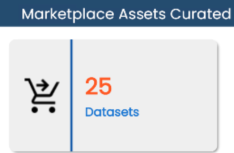
You can drill down to view detailed information. For example, to view datasets, click the Datasets tile.
The Datasets Dashboard appears.
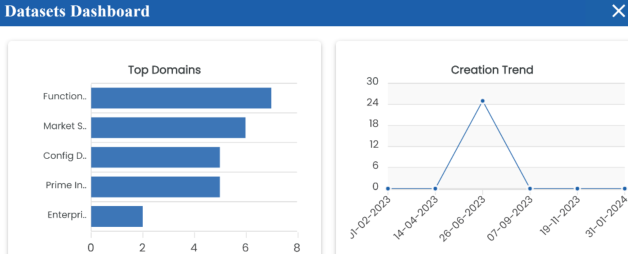
This dashboard displays the following information:
- Top Domains: By default, it displays the top domains (catalogs). Hover over a bar to view the total number of assets under a domain.
- Creation Trend: It displays month-wise asset creation trend based on the number of assets.
You can switch the card to view the marketplace categories curated during the selected period. To switch to categories, click  and then click Categories.
Marketplace Categories Curated
The Marketplace Categories Curated section displays the number of marketplace category.
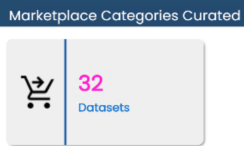
You can drill down to view detailed information. For example, to view datasets, click the Datasets tile.
The Datasets Catalogs page appears and displays category name, category hierarchy, description.
